Using AI to Reclaim the Artistry of Design
This post may contain affiliate links.
AI didn't just speed up my workflow — it reshaped how I think about designing products. Over the past year, I've gone from experimenting with AI as a novelty to treating it as a core part of my process. It hasn't replaced my craft, but it's definitely changed where my craft matters most.
Starting in Prompts Instead of Figma
Before AI, my workflow always started with pen and paper or a blank Figma file. Now it starts with a prompt in ChatGPT or Claude.
I think of AI as an internal user of whatever I'm building. Just like when you're working with a development team, you learn what your partners struggle with and where they shine. I'll drop a PRD into an AI tool and see what it spits out without any design guide.
That first iteration is always a throw away. But it's super useful for evaluating where I'll need to guide the experience versus where I can meet the AI's output to create an MVP. I can see the grain of the idea instantly and decide whether it's worth shaping or trashing entirely.
Exploring Multiple Directions Without Commitment
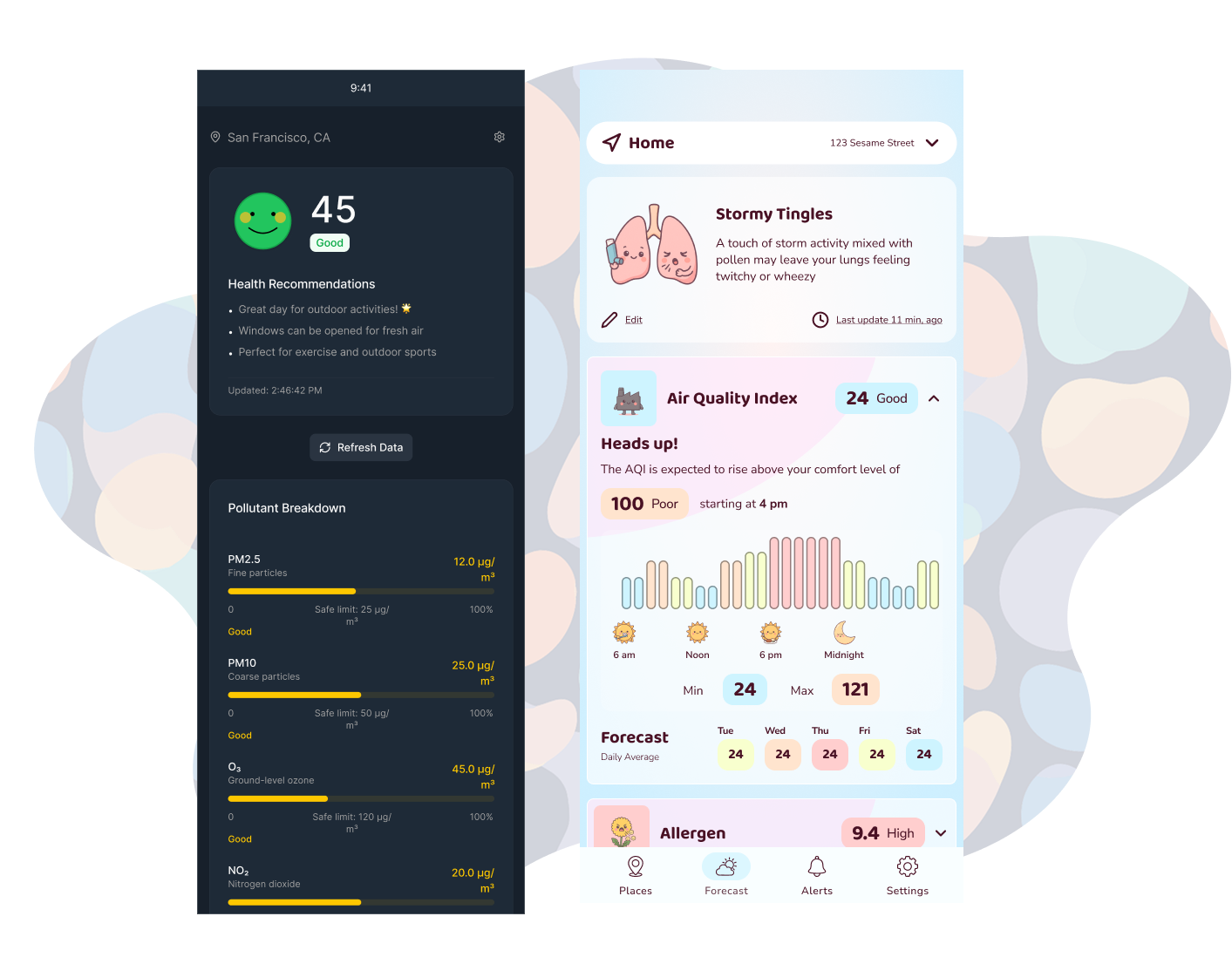
One of the really exciting things about designing with AI is I don't have to just stick to the safest path anymore. As long as the user flows and usability are there, I can apply any aesthetic to an experience. I can really bring my artistic side into the process now, because re-skinning an experience is a low hurdle.
This means I can let users decide if they want a simple clean interface, or if they want to go bold with a cyberpunk neon art-forward experience. The cost of creative exploration is basically zero now.
Speed Helps Me Kill Bad Ideas Faster
I know there's a lot of dialogue around AI slop, but for me personally, using AI to prototype and validate ideas lets me trim bad ideas before I get too invested in them.
When prototypes take days or weeks to build, it's hard to throw away that work. I've definitely stuck with ideas in the past even when better ones came along later, just because I'd already invested so much time. But when a fully interactive prototype can come from a seed of an idea in minutes, I can evaluate concepts more objectively and with less emotional attachment.
Quality Comes From Systems, Not AI
Here's where I see lots of builders struggle: they try to introduce consistency, accessibility, and brand alignment after they get the initial feature set built. This is a mistake.
Starting with a strong design system allows you to focus on the experience and not the nitty gritty. And I know for some people creating a design system sounds like a massive amount of effort, but there are some great high quality pre-made design systems out there. My favorite is Untitled UI — it's robust, easily customizable, and produces accessible outputs when I use it as a foundation to design on top of.
I recommend treating your first build as your pen and paper prototype, something that will never see the light of day. Once you're confident in your feature set, start from a design system and layer on your user flows. As your product grows and your feature set expands, you'll be glad you have that underlying structure.
AI Is a Tool, Not a Designer
I don't treat AI like a junior designer who needs oversight and constraints. I think treating AI as a designer is a trap.
AI is really just a text-based UI. It helps to have strong critique chops because it gives you the language to tell the AI interface what you want to happen, but I think it's important to be just as specific with the AI tool as you are with Figma or any other design tool.
I find myself pulling components from my AI builds into Figma and then tweaking them. As I tweak the component, I'm creating a mental note of all the steps I'm taking so I can verbalize it in my AI tool. This has really forced me to abandon pixel pushing and think in terms of systems, flows, and information architecture.
Sometimes I Let AI Wander (On Purpose)
There are times I lean into AI's enthusiasm and let it take the wheel. I often reach for that chaos when I'm feeling a creative block. Sometimes the AI wander produces something brilliant, other times it produces slop. Either way it lets my brain use its evaluation skills to articulate how I want the experience to come together.
And sometimes I get an ego boost when AI comes up with a really dumb idea. It's fun to think I'm smarter than a piece of tech that's able to consume all the knowledge on the open internet.
Stopping AI From Redesigning Everything
One of the biggest challenges teams report is that AI keeps reinventing the product. Here's what I do: I use AI to plan its own moves.
It can feel like a wasted prompt, but I have the AI tool create a plan by looking through the current documentation and feature sets, and then have it create a task list for itself. Once it's produced a plan, I go back in and add guardrails or fix assumptions it's made. Once the plan is solid, then I allow the tool to start building.
This not only prevents the AI from reworking the product over and over, but it also reduces the number of credits you'll need to build quality products.
What I've Had to Let Go Of
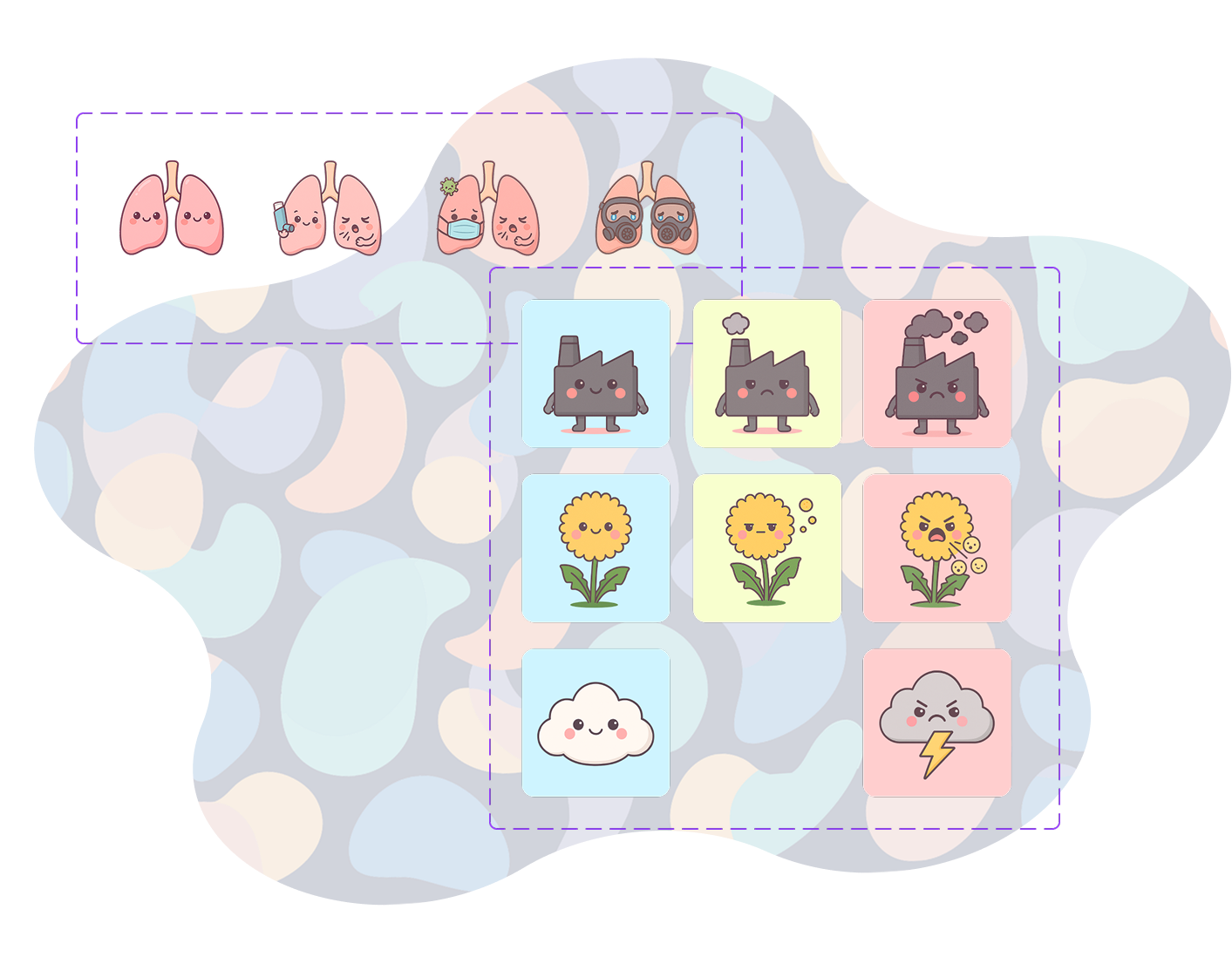
Designing with AI can feel like you're letting someone else do the art. Why should I design an illustration that might take me hours when AI can design something in seconds? When I saw people responding positively to AI-generated ad content, I had a moment of fear that I would no longer be relevant.
But the more I use AI, the more empowering I find it to be. The fun part of design for me is seeing my creative vision come to life. It's fun creating an icon style, and I enjoy it for the first 5 or so icons, but if I need a set of 250 icons I'll lose my mind. That's where AI thrives — I can feed it my patterns and it will use that to do the mind-numbing production tasks.
I thought AI would mean I spent less time doing art, but now that I don't have to do production art, I find myself reaching for my drawing tablet more often. I spend more time on concept, vision, and storytelling — the parts no model can replace.
AI Freed My Craft
Designing with AI doesn't diminish the role of designers. We aren't losing our artistry; we're reclaiming it. We're shifting from execution to orchestration, from production to vision. The parts of the process that once felt draining are now automated, and what's left is the creative heart of the work.
Book a discovery call with us
We help individuals and teams get the most out of AI. Book a discovery call with us to see how we can help you find a better way of working.